Learn to interface the Raspberry Pi Pico RTC DS3231 using Arduino IDE. Build an accurate digital clock with a 16x2 I²C LCD. Includes circuit diagram, code & troubleshooting.
In this guide we are going to look at how you can use the package manager in Thonny to download the libraries for Kitronik products directly onto your Raspberry Pi Pico.
In this tutorial we’ll demonstrate how a Raspberry Pi Pico can be used along with some simple electronic components and Python code to record the voltage of a AA battery.
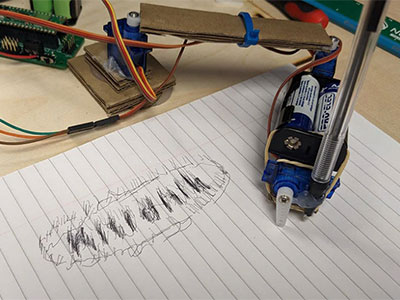
In this first blog of a series we are going to cover how we can create a drawing robot arm out of cardboard using three servos, a Raspberry Pi Pico and the Kitronik Simply Servos for Pico board. Then we’ll move onto how to use the DrawingRobot Python library we created for the Pico.
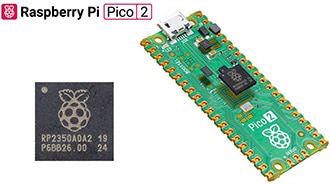
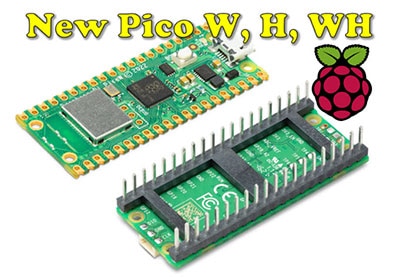
Following on the popularity of the Pico and RP2040, Raspberry Pi has announced three new Pico boards, two of which have onboard wireless LAN and Bluetooth.


 设置
设置
 快速交货
快速交货
 免运费
免运费
 国际贸易术语
 支付类型
支付类型


 市场产品
市场产品