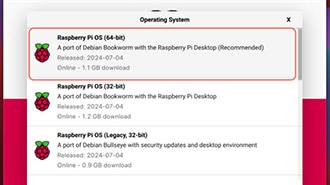
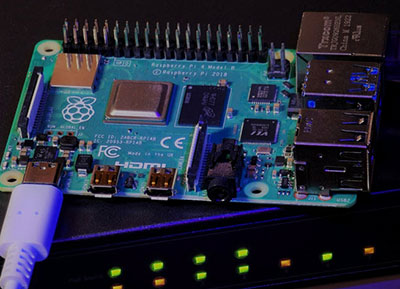
Learn how to install multiple operating systems on a single Raspberry Pi. Turn your Raspberry Pi into a multi-system hub for gaming, work, and learning.
Create your own Raspberry Pi intrusion detector by logging all successful and failed SSH, local, and VNC login attempts to detect suspicious access activity.
If you’ve recently picked up your first Raspberry Pi it sure doesn’t look like any computer you’re accustomed to, so let’s talk through the basics to get your Raspberry Pi up and running as a full desktop.
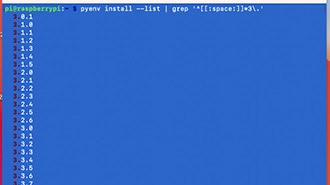
Learn how to manage multiple Python environments on your Raspberry Pi with PyEnv, a powerful tool for installing and switching between Python versions.
Learn how to schedule tasks effectively on your Raspberry Pi using cron and shell scripts. Automate routine processes for improved efficiency and reliability.
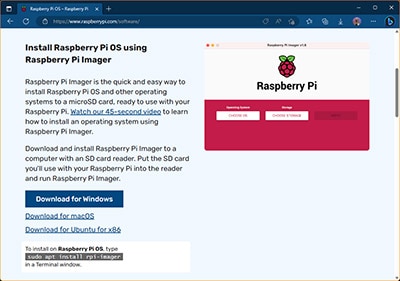
When starting out with a new Raspberry Pi, the first step involves creating a bootable SD card that contains the tiny computer’s operating system and user files.
Many projects require a Pi to always have the same IP, but a router won't always assign the same IP address. Here’s a simple & effective way to set a static IP.
Initiate the flashing process over your home network using a beta bootloader, simply connect your Pi to your network and click a button in the imager app.








 设置
设置
 快速交货
快速交货
 免运费
免运费
 国际贸易术语
 支付类型
支付类型


 市场产品
市场产品