






 Settings
 Fast Delivery
 Free Shipping
 Incoterms
 Payment Types


 Marketplace Product
LTspice IV: Schematic Editor
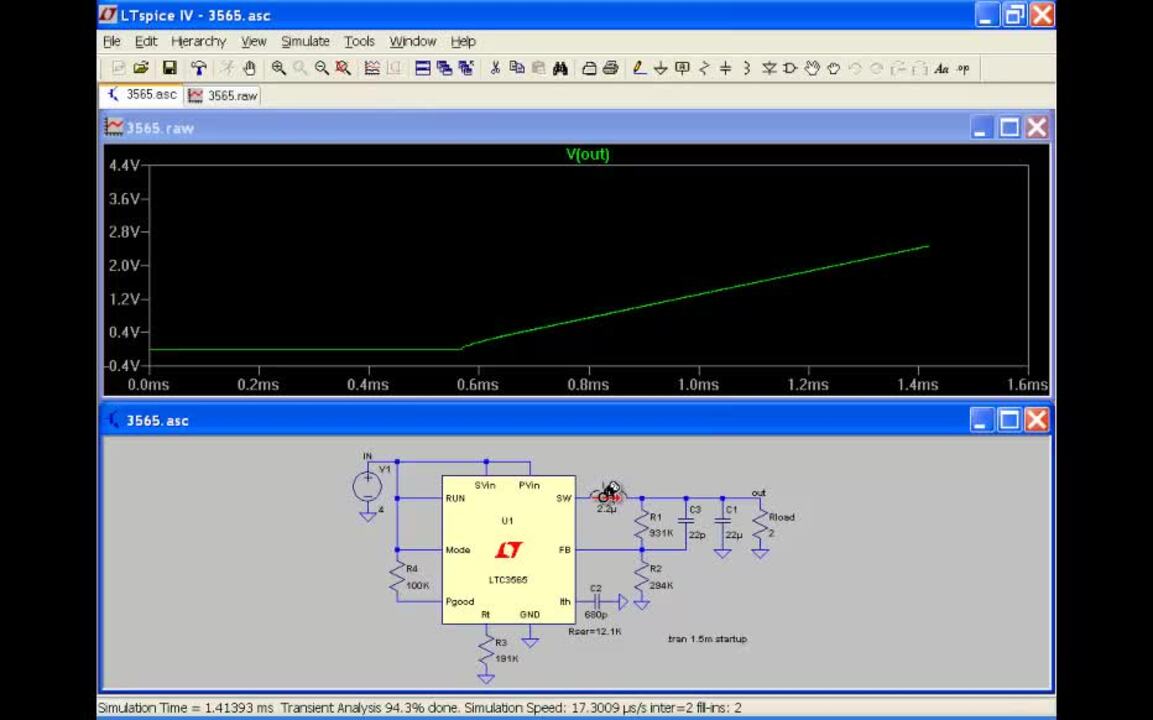
Unlike many schematic capture programs, LTspice IV schematic editor was written explicitly for running SPICE simulations. This means that if you click on an object, the default behavior is to plot the voltage on that wire or current through that component, not select the object for editing. Hence, the first couple of times you use the schematic editor it may be confusing based on your previous experience with GUI interface. This video provides an introduction to the use of LTspice schematic capture program in the layout of a simple circuit so that you can draft and make edits of your design quickly.


LTspice IV Schematic Editor
| Image | Manufacturer Part Number | Description | Available Quantity | Price | View Details | |
|---|---|---|---|---|---|---|
 |  | LTC3565EDD#PBF | IC REG BUCK ADJ 1.25A 10DFN | 90 - Immediate | $10.28 | View Details |
|  | LTC3565EMSE#PBF | IC REG BUCK ADJ 1.25A 10MSOP | 917 - Immediate | $10.28 | View Details |
| | LTC3565IDD#PBF | IC REG BUCK ADJ 1.25A 10DFN | 34 - Immediate | $11.35 | View Details |
| | LTC3565IMSE#PBF | IC REG BUCK ADJ 1.25A 10MSOP | 184 - Immediate | $11.35 | View Details |









 Singapore