






 设置
设置
 快速交货
快速交货
 免运费
免运费
 国际贸易术语
 支付类型
支付类型


 市场产品
市场产品
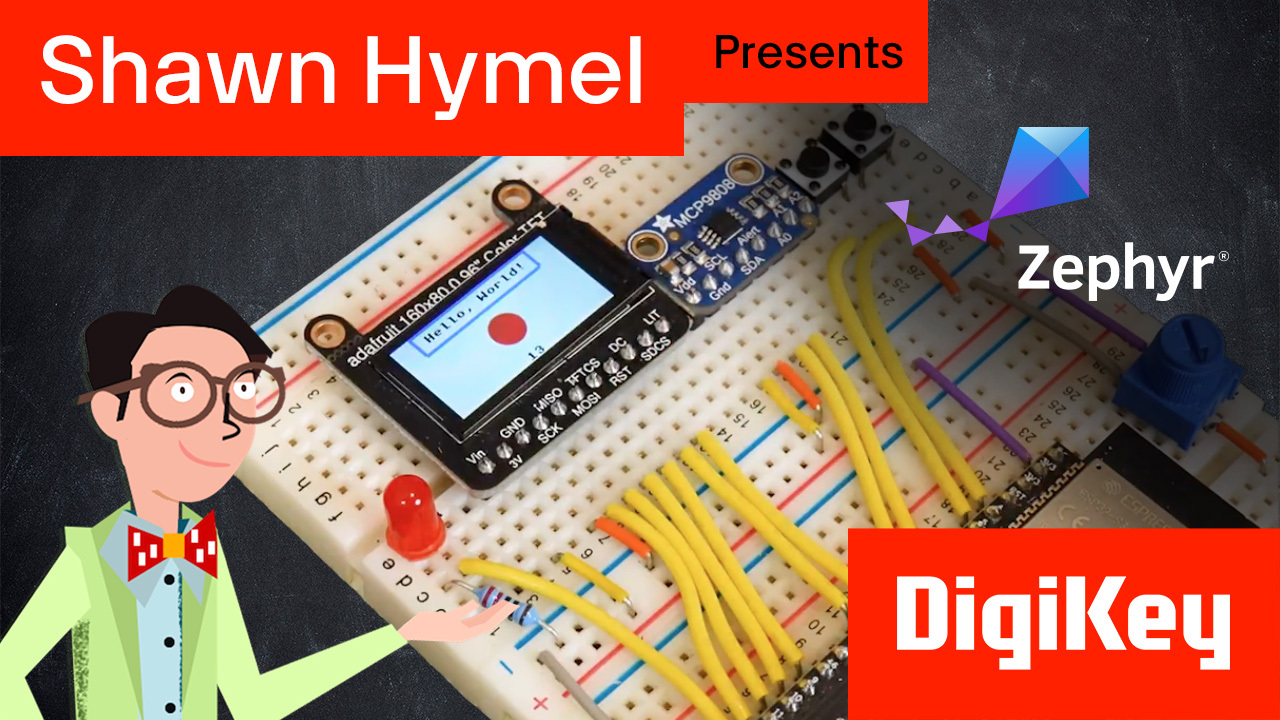
Introduction to Zephyr Part 6: How to Write a Device Driver | DigiKey
We delve into the essentials of writing a custom device driver in the Zephyr RTOS by building a simple “button” driver. You’ll learn the importance of having a driver that acts as a bridge between your hardware and the operating system, making it possible to reliably read button states across different embedded platforms. You can find a written version of this tutorial here: https://www.digikey.com/en/maker/tutorials/2025/introduction-to-zephyr-part-6-device-driver-development The GitHub repository for this course (including solutions to the challenges) can be found here: https://github.com/ShawnHymel/introduction-to-zephyr/tree/main The MCP9808 I2C driver solution (and walkthrough) can be found here: https://github.com/ShawnHymel/workshop-zephyr-device-driver We start with the core driver implementation: button.c and button.h, explaining how to initialize the GPIO pin as input and retrieve button state. We also underscore the significance of logging and error-handling to help you quickly diagnose issues in real-world embedded scenarios. You’ll see how the Devicetree macros automatically generate multiple instances of the driver for each “custom,button” node—an invaluable feature when managing multiple buttons or sensors. This section shows how each driver instance is set up with its own configuration struct, ensuring that every hardware component is correctly identified and initialized. Next, we examine the file structure for our driver, highlighting the roles of each CMakeLists.txt, Kconfig, and source file. This organized approach clarifies how Zephyr’s modular build system integrates driver code, enabling a portable and scalable setup for development teams working on diverse targets. We then demonstrate how to test the driver using an application-level file structure, with a dedicated main.c, prj.conf, and an overlay file for board-specific pin overrides. By combining these elements, you’ll see how to assemble a complete project that initializes, reads, and confirms button input behavior in a real-world development environment. Whether you’re new to embedded development or looking to refine your Zephyr RTOS skills, this guide provides a practical roadmap to building reliable device drivers. With clear file structure explanations, Devicetree insights, and testing methodology, you’ll have the confidence to expand your embedded software projects and tailor them to any hardware platform.


Part List
| 图片 | 制造商零件编号 | 描述 | 可供货数量 | 价格 | 查看详情 | |
|---|---|---|---|---|---|---|
 |  | ESP32-S3-DEVKITC-1-N32R8V | ESP32-S3-WROOM-2-N32R8V DEV BRD | 0 - 立即发货 | $23.68 | 查看详情 |










 新加坡
新加坡